QR Code Permanence Policy: What It Should Guarantee

A QR code permanence policy is the written promise that a code you print today will still send people to the right page next year, including after you cancel, downgrade or miss a payment. At QRlytics, codes created during an active subscription keep working permanently, whatever happens to billing later. Most of the trouble with printed QR codes comes from the provider’s policy, not from the code itself, so that is the first thing to read before anything goes to a printer.
This guide explains what permanence really means, why some codes die, what a good policy states, and how to prepare print artwork so a code survives for years.
TL;DR
- A QR code is just an image that stores data. The image never expires; what can fail is the destination it points to or the service that redirects it.
- Static codes hold the destination inside the pattern, so they cannot be switched off, but they cannot be edited or tracked either.
- Dynamic codes point to a short redirect address, so you can change the destination and see scans. Whether they keep working depends entirely on the provider’s policy.
- A strong permanence policy says what happens to existing codes after cancellation, non-payment and downgrade, in plain words.
- Our policy: codes created during an active subscription stay functional forever, regardless of billing status.
Table of Contents
- What permanence means for a printed QR code
- Static and dynamic codes: how long each keeps working
- What makes a QR code stop working
- What a good permanence policy should state
- How our policy works
- A permanence checklist before you print
- Where permanence matters most
- Questions to settle with your team
- Try a code that is built to last
- Our view on permanence
- FAQ
- Sources
What permanence means for a printed QR code
Permanence has two parts, and people often mix them up.
The image is permanent. A QR code is a square pattern of dark and light modules. It has no battery, no clock and no expiry date. Printed on a poster, a menu or a box, it stays readable for as long as the ink and the surface do. The format itself is open: Denso Wave, the company that invented it, states that it does not exercise its patent rights for the standardised specifications, so nobody needs a licence to use a code and nothing in the format forces a code to lapse.
The journey is what can break. When someone scans, their phone does one of two things. It either opens the address stored in the pattern, or it opens a short address that a service then forwards to your real page. In both cases the page has to exist. In the second case the forwarding service also has to be switched on.
So when we talk about a permanence policy, we mean the rules that decide whether that journey keeps working. It covers:
- Whether the redirect keeps running after a subscription ends.
- Whether you can still edit the destination after a plan change.
- What happens to scan history and analytics.
- How the provider handles outages, domain changes and account closures.
For a marketer, the stakes are concrete. A printed run of packaging, brochures, shelf talkers or event signage is a fixed cost. A dead code turns that spend into waste, and the reprint costs more than the plan that would have prevented it.
Static and dynamic codes: how long each keeps working
The type of code you choose decides where permanence risk sits.
| Static QR code | Dynamic QR code | |
|---|---|---|
| What the pattern stores | The full destination | A short redirect address |
| Can it expire? | No, the data is in the image | Only if the redirect service stops |
| Can you change the destination later? | No, you reprint | Yes, without reprinting |
| Scan analytics | None | Counts, locations, devices, times |
| Main risk | The destination page disappears or moves | The provider switches the code off |
| Best for | Permanent facts that never change | Campaigns, menus, packaging, anything you may need to update |
A static code is the safest choice when the destination is guaranteed to stay put and you do not need data. The trade-off is that a typo, a retired landing page or a changed offer means a reprint. You can read a longer walkthrough in our guide on dynamic versus static QR codes for marketers.
A dynamic code gives you control: you can fix a broken link, point last season’s poster at this season’s offer, and measure how many people scanned. That control only has value if the code keeps running. This is where the permanence policy decides everything.
What makes a QR code stop working
When a printed code fails, the cause is almost always one of these.
The provider switches it off
Some generators treat a dynamic code as a service you rent. If the subscription lapses, the card fails or the plan is cancelled, the redirect is deactivated and the code leads to an error page or a prompt to pay. The printed material is unchanged, yet it no longer works. This is the problem our policy was written to remove. Our article on why QR codes expire goes through the usual patterns.
The destination changes
A page gets renamed during a website redesign, a campaign microsite is taken down, a PDF is moved to a new folder. With a static code, this is a dead end you can only fix by reprinting. With a dynamic code you update the destination in a minute. Keeping destination addresses stable also helps beyond QR: the habits behind keeping destination URLs stable and managing redirects after launch apply to every link you publish.
The code is hard to scan
Sometimes the code is fine and the print is not. Low contrast, a code printed too small, a crowded quiet zone (the blank margin around the pattern), or a glossy surface that reflects light can all make scanning unreliable. This looks like expiry to the customer, but it is a design problem. We cover it below.
The code is too dense
The more characters a code stores, the denser the pattern. A static code holding a long address with tracking parameters is crowded, which makes it harder to scan at small sizes. A dynamic code stores only a short address, so the pattern stays simple at any size.
The account is closed or ownership is unclear
Agencies often create codes under their own login for a client. If the agency relationship ends and the account is shut, the codes may go with it. A good policy and good account practice make clear who controls the code.
What a good permanence policy should state
When you review any provider’s terms, look for plain answers to these questions. A policy that is vague on any of them leaves your printed material exposed.
- After cancellation: do codes you already created keep redirecting?
- After a failed payment: is there a grace period, or is the redirect cut immediately?
- After a downgrade: do codes above the free plan’s limit stay live?
- Editing: can you still change a destination after the plan changes, or only keep the old one?
- Analytics: is scan history kept, and can you export it?
- Privacy: how are scans recorded, and does tracking meet GDPR requirements?
- Redirect reliability: how is uptime handled, and is the redirect fast?
The wording matters. “Your codes stay active while your plan is active” is a rental. “Your codes keep working after you cancel” is a guarantee. Only the second protects a print run.
How our policy works
Here is exactly what we commit to:
- Every QR code created during an active subscription stays functional permanently, even after cancellation and regardless of billing status.
- Dynamic URL updates let you change a destination without touching the printed code.
- Real-time scan analytics, including global heatmaps, show where and when scans happen, and you can export the data as CSV.
- Tracking is built to be GDPR-compliant and privacy-first.
- Lifecycle scheduling lets you plan when a campaign code goes live or ends, so an expired promotion can show the right message instead of a dead end.
- Cryptographic authentication certificates are available for codes where proof of origin matters.
- API access is available on paid plans for developers who create codes in bulk.
You can start without a credit card. The Free plan costs $0 per year and includes a limited number of codes and limited analytics; paid annual plans unlock unlimited codes, advanced analytics and API access, and enterprise options exist for higher usage. Details are on the pricing page.
For the full picture of how we approach long-lived codes, see three ways marketers make QR codes permanent.
A permanence checklist before you print
A good policy covers the service. The rest depends on how you prepare the artwork and the destination. Work through this list for every print run.
1. Choose the right type
If the destination might ever change, or you want to measure results, use a dynamic code. Use a static code only for content you are certain will not move, such as a fixed contact detail.
2. Check the destination is stable
Point the code at a page you control, on a domain you will keep renewing. Avoid temporary landing pages and files in folders that may be reorganised. If the page must move, update the dynamic destination at the same time. Our guide on updating QR code links without reprinting shows the steps.
3. Set a high error correction level
Error correction lets a code scan even if part of it is dirty or damaged. One QR code guide recommends level H, which recovers roughly 30% of the code, for anything printed, along with keeping the four-module quiet zone clear. Higher correction makes the pattern denser, which is another reason a short dynamic address helps.
4. Size it for the scanning distance
A widely used rule of thumb is about 1 cm of code width for every 10 cm of scanning distance. A poster read from two metres needs a far larger code than a business card. Our print size guide for designers has worked examples.
5. Keep contrast and branding readable
Dark code on a light background scans best. Brand colours and logos are fine when contrast stays strong; the guide to branded QR codes explains how to customise without losing readability. For wider layout and file-format rules, the QR code print requirements around contrast and sizing are worth a read before you send files to the printer.
6. Test on real phones, at real size
Print a proof at actual size, then scan it with both an iPhone and an Android phone, from the distance a customer will use. Do this on the real material: matte stock, gloss laminate, curved packaging and screens all behave differently.
7. Record who owns the code
Create codes under an account the business owns, not a personal login of a freelancer or an agency employee. Write down the account, the destination and the print date for each run.
8. Plan the end of the campaign
Codes on old material keep being scanned long after a campaign finishes. Decide what the code should show afterwards, such as a general landing page or a current offer, and schedule or update it. Our guide on archiving QR campaigns covers this, and the QR code best practices article collects the rest of the checks that prevent costly reprints.
Where permanence matters most
Packaging and labels. A box runs for years in warehouses and homes. A code that dies after a plan lapse means every unit in circulation is a broken promise, and recalling them is not realistic.
Restaurant and hospitality menus. Table cards and window stickers are reprinted rarely. Being able to change the menu link without touching the card is the whole point, and the card must keep working while you do.
Out-of-home and print advertising. Billboards, transit ads and magazine pages are booked and paid for in advance. Magazines also stay in circulation long after publication, so scans keep arriving. See our practical guide to QR codes in printed media.
Events. Signage, badges and programmes are used for a day, but photos, leftover flyers and sponsor material keep codes in the world afterwards. Scheduling lets you show a thank-you or next-year page.
Agencies. You hand finished work to clients. A code that depends on your billing status is a liability on both sides, so permanence is part of what you can promise.

Questions to settle with your team
Before you commit to a print run, agree on:
- Who owns the account and the destination page?
- What should the code show six months after the campaign ends?
- Which data do you need to keep from the scan analytics, and who exports it?
- Is the destination covered by your privacy notice? Scan analytics should be handled in line with the privacy rules that apply to your audience, such as GDPR for visitors in the EU.
Answering these takes ten minutes and prevents most of the failures described above.
Try a code that is built to last
If you are preparing a print run, create your codes on a platform whose policy covers them from the start. With QRlytics you can open a free account without a credit card, make a dynamic QR code you can edit later, and watch scans through QR codes with analytics. Codes you create during an active subscription keep working permanently.
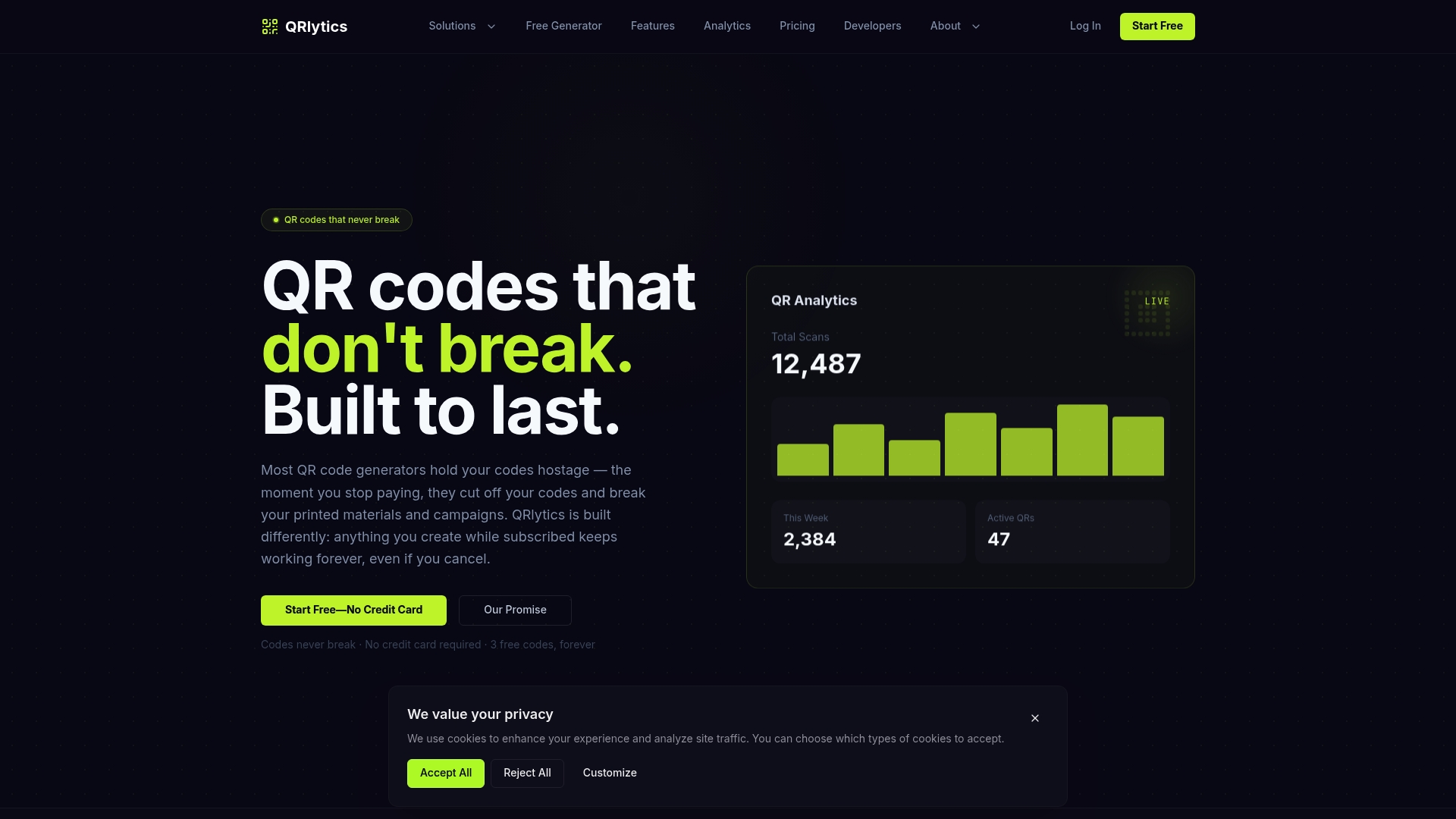
When you are ready for unlimited codes, advanced analytics or API access, the pricing page lists the Free and Pro plans.
Our view on permanence
Printed material is the one part of a campaign you cannot edit. Websites can be fixed in minutes, ads can be paused and replaced, but a box, a brochure or a shelf sign stays as it was printed. A QR code is the only part of that material that can still be changed, and only if the service behind it keeps running.
That is why we treat permanence as a product feature, not a pricing lever. A code held hostage by a billing status turns a useful tool into a risk, and it quietly pushes customers to keep paying out of fear rather than because the service is worth it. We would rather you stay because the analytics, the scheduling and the editing help your campaigns.
So our rule is simple: every code created during an active subscription keeps working forever, regardless of billing status. You get dynamic updates, real-time analytics, privacy-first tracking and consistent redirection, and you never have to wonder whether last year’s print run is about to stop working.
The
FAQ
Do QR codes expire?
The image itself never expires, because it is just a pattern that stores data. What can stop is the page it points to, or, for dynamic codes, the service that forwards the scan. Check the provider’s policy on cancellation and missed payments before you print.
Do you have to pay for dynamic QR codes?
Many providers charge for dynamic codes, and some switch them off when payment stops. With QRlytics you can start on the Free plan at $0 per year, with limited codes and analytics, without a credit card. Paid annual plans add unlimited codes, advanced analytics and API access, and codes created during an active subscription keep working permanently.
Can a QR code be reused for a different destination?
A dynamic code can be pointed at a new destination whenever you like, so the same printed code can serve a new campaign. A static code cannot be changed, because the destination is built into the pattern. Remember that old material may still be scanned, so make sure the new page suits people who find the code on older print.
What happens to my codes if I cancel?
Under our policy, codes you created during an active subscription stay functional after cancellation, whatever your billing status. That protects brochures, packaging and signage that are already in circulation.
How big should a printed QR code be?
A common rule is about 1 cm of code width for every 10 cm of scanning distance, with a clear quiet zone around it. Always test a proof at actual size on both iOS and Android phones. Our print size guide gives examples for posters, packaging and cards.
Sources
- Denso Wave: QR Code patent rights
- Static vs Dynamic QR Codes: Why Yours Stops Working
- Keeping destination URLs stable: BonusQR case study
- QR code print requirements: competitor grid tracking guide