Permanent QR Codes: 3 Ways Marketers Make Them Last

Yes, you can create a permanent QR code. Use a static code if the destination will never change, or a dynamic code backed by a genuine permanence guarantee if you need to edit the link or track scans. The right choice depends on whether you value simplicity or control. Everything else in this guide is about avoiding the failure points that turn “permanent” into “printed and useless”.
TL;DR:
- Static QR codes are truly permanent as long as the linked website remains online, with no dependencies on third-party servers or infrastructure.
- Dynamic QR codes rely on an active provider’s redirect server, meaning their permanence depends on the provider maintaining uptime and support over time.
- Achieving long-term permanence involves either storing a static code’s vector master, self-hosting redirects, or choosing a provider with an explicit, contractual permanence guarantee.
- Costs for permanent QR codes are usually free for static codes but can include subscription fees for dynamic codes with tracking and guarantees, with transparency on renewal and support.
- Proper design and ongoing maintenance, including regular checks and domain renewal, are essential to ensure QR codes remain scannable and functional over years.
Table of Contents
- What makes a QR code permanent: static versus dynamic
- Three ways businesses actually achieve QR code permanence
- What does a permanent QR code actually cost?
- Design and printing rules that keep codes scannable for years
- Keeping the redirect healthy after launch
- A checklist for launching a permanent QR code
- What experienced marketers get wrong about permanence
- How QRlytics guarantees your QR codes keep working
- Sources
- FAQ
What makes a QR code permanent: static versus dynamic
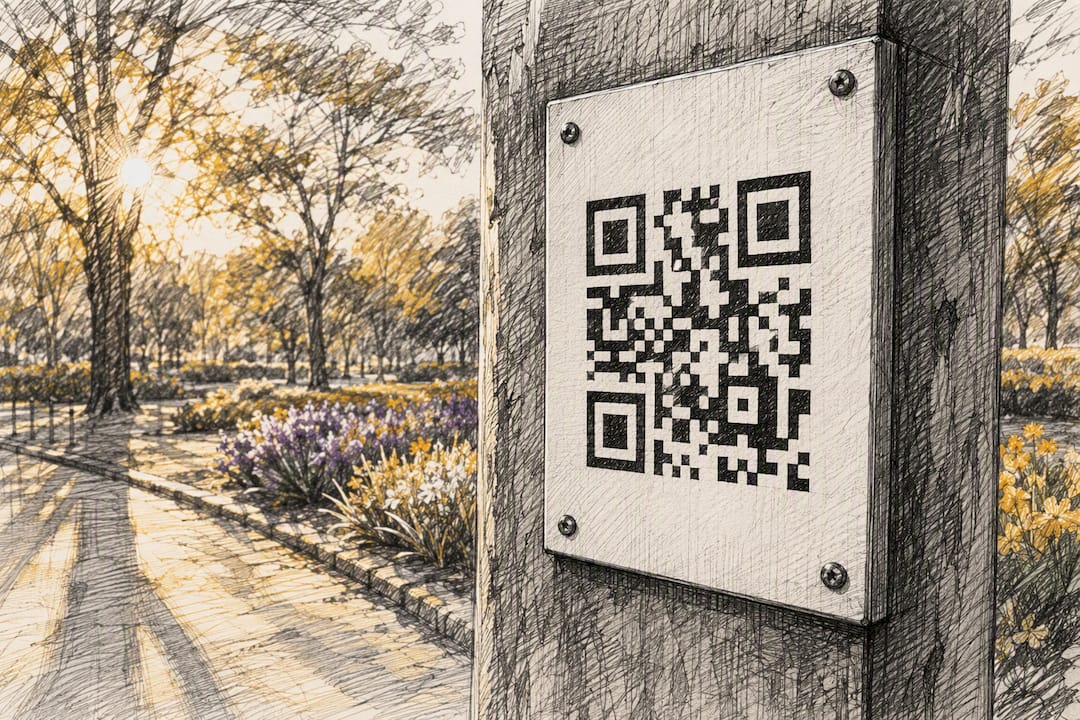
A static QR code embeds your final destination directly in the pattern of black and white squares. There’s no middleman, no redirect service, and nothing that can be switched off. As long as the website you linked to stays live, the code works. That’s the entire mechanism, and it’s why static codes are the closest thing to a truly permanent QR code you’ll find.
A dynamic QR code works differently. It points to a short redirect URL controlled by whichever provider generated it, and that redirect then forwards the scanner to your actual destination. This is what lets you change the link later, add a tracking layer, or update a campaign without reprinting anything. But it also means permanence isn’t built into the code itself. It depends entirely on the provider keeping that redirect server running, indefinitely, regardless of what happens to your account.
This distinction explains most of the horror stories about “expired” QR codes. The code itself never expired. The redirect behind it did, usually because a free trial ended or a subscription lapsed. The QR code specification has no concept of expiry dates. What breaks is always the infrastructure layered on top.
Practically, the choice affects more than durability:
- Editability: static codes are frozen once printed; dynamic codes can be redirected to a new page at any time.
- Analytics: static codes give you nothing to measure; dynamic codes can log scan counts, locations, and devices.
- Print workflow: static codes need a vector master saved before printing since you’ll never touch the design again.
- Risk profile: static codes fail only if the destination goes offline; dynamic codes also depend on the redirect host’s uptime.
Three ways businesses actually achieve QR code permanence
Most guidance stops at “static or dynamic” and leaves marketers to work out the rest. In practice, there are three routes, and each suits a different kind of campaign.
- Generate a static code and store the vector master. This works when the destination is fixed forever, such as a Wi-Fi password, a business card contact card, or a warranty PDF that will never move. Tools like Canva’s QR generator or browser-based generators such as the Chrome QR code extension create these client-side, meaning nothing ever touches a third-party server. Zero ongoing cost, zero dependency, but also zero flexibility.
- Self-host the redirect on your own domain. You control the short URL, the redirect rules, and the uptime. This gives full ownership, but it also means your IT team now owns domain renewal and server maintenance for as long as the code needs to work, which for a permanent packaging label could be decades.
- Use a provider with an explicit permanence guarantee. This is the middle path: editability and analytics without building infrastructure yourself. The key word is “explicit” because plenty of generators promote “no expiry” for static codes while staying vague about what happens to dynamic redirects if you stop paying.
For most marketing teams, option three offers the best balance of control and low maintenance, provided the guarantee is contractual rather than implied.
What does a permanent QR code actually cost?
Generating a static QR code is usually free, and it should stay that way. You’re only encoding a URL into a pattern, so there’s no ongoing service to pay for.
Costs appear the moment you want editability, analytics, or a permanence guarantee, because now a provider is running infrastructure on your behalf. Pricing tends to fall into three shapes:
- One-off “lifetime” purchases: read the fine print carefully. Some only guarantee the file download, not ongoing redirection.
- Annual or monthly subscriptions: usually the most transparent option, bundling analytics, support, and an explicit uptime commitment.
- Free tiers with hidden limits: scan caps, a fixed number of active codes, or a clause that quietly deactivates redirects after cancellation.
Given that a substantial and growing share of US smartphone users now scan QR codes as routine behaviour, treating a QR redirect as a serious piece of marketing infrastructure, not a free throwaway, is worth the modest annual cost most providers charge.
Design and printing rules that keep codes scannable for years
A permanent redirect means nothing if the printed code itself can’t be scanned. Most “broken QR code” complaints are actually print failures, not technical ones.
- Keep a minimum print size of roughly 2 x 2 cm for close-range materials like business cards, scaling up considerably for posters or billboards viewed from distance.
- Preserve the quiet zone, the blank border around the code, and keep contrast high; light patterns on dark backgrounds often scan worse than the reverse.
- Export as SVG or PDF rather than a raster image, so the code prints crisply at any size without pixelation.
- Match the correction level to the environment. Higher error correction (the QR standard supports several levels) tolerates more surface damage but reduces available data capacity.
- Avoid glossy laminates, heavily textured fabric, or curved surfaces without testing a physical scan first.
Pro Tip: Print a scaled test copy at actual size, then scan it with three different phone models in dim lighting before sending the full run to press. This single step catches most contrast and sizing failures before they cost you a print budget.
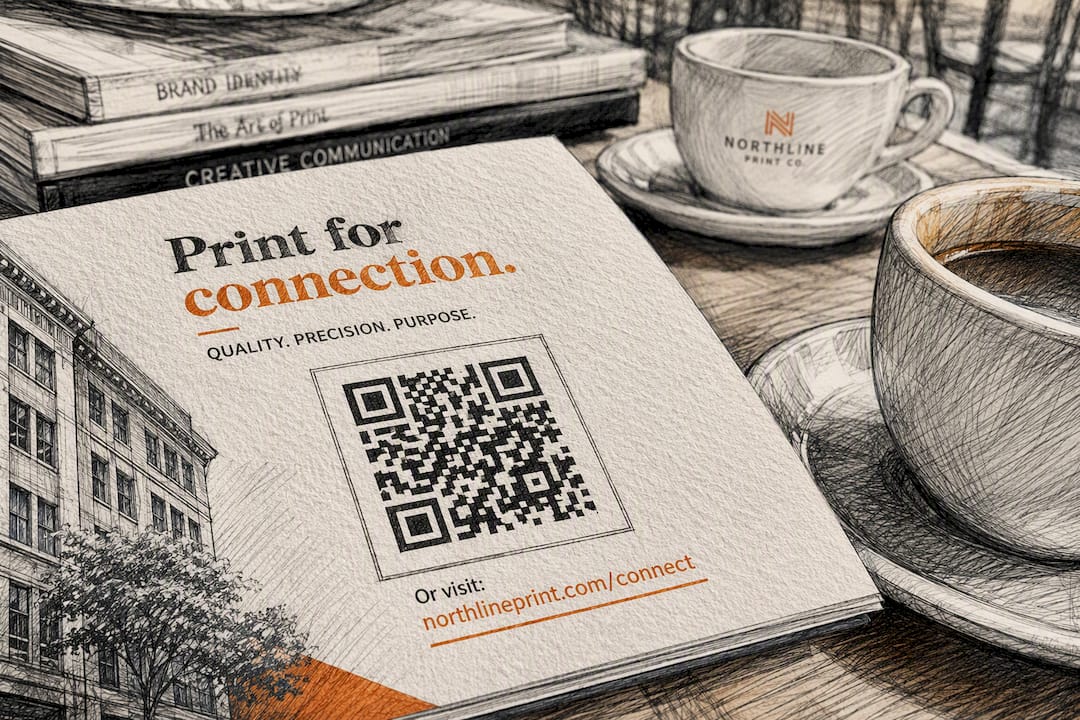
Always add a short human-readable fallback URL beneath the code. If a scanner fails or a phone camera struggles, the reader can still type the link manually.
Keeping the redirect healthy after launch
Permanence isn’t a one-time decision. It’s an ongoing responsibility, and most failures happen months after launch, not on day one.
- Check scan trends weekly; a sudden drop to zero usually signals a broken redirect, not disinterest.
- Review device and location breakdowns to spot patterns, such as a specific city where a print run failed.
- Renew your domain well ahead of expiry and confirm who holds admin access to the redirect service.
- Set a backup redirect where possible, so a single point of failure doesn’t take the whole campaign offline.
Domain expiry and redirect-host outages cause most long-term QR failures, not the code pattern itself. Because QR-linked destinations are also a known phishing vector, CISA recommends ongoing vigilance around unexpected links, which is another reason to monitor landing pages rather than set and forget them.
A checklist for launching a permanent QR code
- Decide static or dynamic based on one question: will you ever need to edit this link or see analytics?
- For static: lock in the canonical URL, export a high-resolution vector file, and add fallback text.
- For dynamic: choose a provider that states its permanence terms explicitly, confirm who owns the destination data, and set up analytics before launch.
- Verify domain ownership and renewal dates if you’re self-hosting the redirect.
- Run multi-device scan tests at the actual print size and in realistic lighting.
- Archive the master files (vector art plus destination URL) somewhere your team can find them in two years, not just on one laptop.
Pair the landing page itself with proven conversion-focused templates so the scan actually leads somewhere worth arriving at.
What experienced marketers get wrong about permanence
Most teams treat “permanent” as a feature they buy once and forget. It isn’t. It’s an operational commitment that needs the same governance as any other piece of live infrastructure: someone monitoring it, someone renewing the domain, someone who can export the files if you switch providers. Pick a provider on exportability and a transparent guarantee, not marketing copy, and test the print before it leaves the shop, not after.
— The
How QRlytics guarantees your QR codes keep working
Most of the permanence problems covered above trace back to one thing: a provider quietly deactivating your redirects when a subscription lapses. Qrlytics closes that gap directly. Every code created during an active subscription keeps working forever, regardless of what happens to your billing status later, so a printed banner from three years ago never suddenly dead-ends.

Beyond the permanence guarantee, Qrlytics gives you dynamic URL updates so you can redirect a code without reprinting it, real-time scan analytics with geographic heatmaps, GDPR-compliant tracking, and exportable branded assets you can hand to a print shop or another platform without friction. Onboarding takes minutes and doesn’t ask for a credit card, which suits small teams testing their first campaign as much as agencies managing dozens of client codes. Marketers running a handful of campaigns tend to start on the free tier, while enterprise teams with high scan volumes or API needs move to the paid plans for unlimited codes and advanced reporting.
If you’re planning a print run that needs to last, create your first dynamic QR code and see the permanence guarantee in practice before you commit a print budget to it.
Sources
- CISA — Recognize and report phishing
- Statista — US smartphone users who use QR scanning
- Wikipedia — QR code
FAQ
Can I get a permanent QR code?
Yes. A static QR code is permanent by design since it holds the destination directly, and dynamic codes can also stay permanently functional when the provider offers an explicit permanence guarantee, as Qrlytics does for codes created during an active subscription.
How much does a permanent QR code cost?
Static code generation is typically free. Dynamic codes with analytics and a permanence guarantee usually come as an annual or monthly subscription, with free tiers available for limited use and enterprise pricing for high-volume needs.
Is there a free QR code that doesn’t expire?
Yes, a static QR code generated for free will not expire on its own, because it contains the destination link directly rather than relying on a third-party redirect that could later be switched off.
Is there a free and permanent QR code generator available?
Free static generators exist and produce genuinely non-expiring codes, and some platforms, including Qrlytics’s free tier, also let you create dynamic codes with a permanence guarantee at no upfront cost.