QR printed media integration: a practical 2026 guide
TL;DR:
- QR printed media integration links physical print materials to digital content, enabling measurable marketing campaigns. It transforms static print into trackable channels by tracking scans, locations, and conversions, while reducing user effort. Proper design, clear calls to action, and dynamic URL updates are essential for effective, high-performance QR code campaigns.
QR printed media integration is the process of embedding QR codes within physical print materials to create an instant connection between the printed page and digital content. Also known as print-to-digital integration, this technique turns brochures, posters, packaging, and magazines into measurable marketing channels. When done well, it reduces the user journey from discovering print content to accessing digital resources from five manual steps down to two: scan and land. For marketing professionals and graphic designers, understanding this technique means understanding how to close the gap between offline interest and online action, with real data to prove it worked.
What is QR printed media integration and why does it matter?
QR printed media integration is defined as the deliberate placement of QR codes within printed materials to connect readers to digital destinations, track engagement, and measure campaign performance. The industry term for this practice is print-to-digital integration, and it sits at the centre of modern cross-channel marketing.

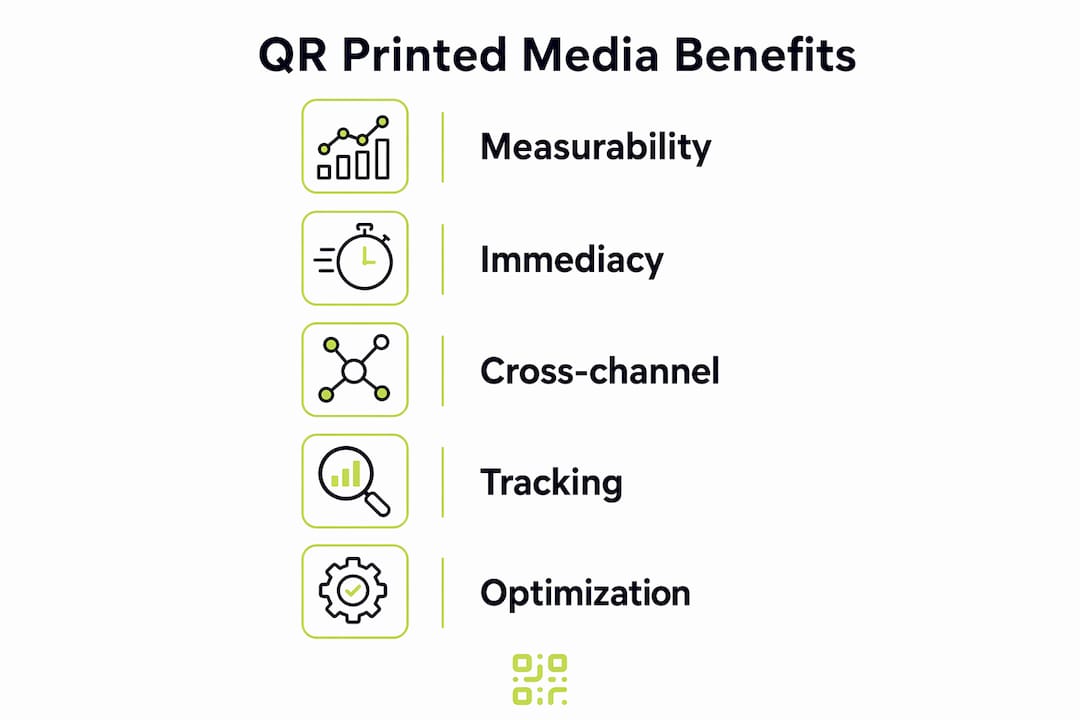
The core benefit is measurability. Static print has historically been difficult to measure. A QR code changes that entirely. QR integration transforms static print into a measurable channel by allowing marketers to track scan rates, time of engagement, location data, and conversion metrics. That means you can finally attach a return on investment figure to a printed flyer or a magazine spread.
The second benefit is immediacy. A reader who sees a product in a brochure no longer needs to type a URL, search a brand name, or remember to act later. One scan takes them directly to a product page, a video demonstration, or a discount code. That reduction in friction is the single biggest driver of conversion improvement in print-to-digital campaigns.
How does QR printed media integration enhance marketing campaigns?
QR codes create a direct path from physical interest to digital action. That path removes the friction that causes most print-driven leads to drop off before they ever reach a website.
The measurable advantages are significant:
- Scan volume tracking shows how many people engaged with a specific piece of print material.
- Geographic data reveals where scans occurred, which is particularly useful for out-of-home advertising and regional campaigns.
- Conversion funnels track the journey from scan to landing page to purchase or app install.
- Time-of-engagement data identifies peak response windows, helping you schedule future print drops more effectively.
These metrics give marketing professionals the same analytical depth in print that they expect from digital display campaigns. A poster campaign in a shopping centre becomes as trackable as a paid social ad.
QR codes also create cross-channel synergies. A printed catalogue can link to a product video. A conference brochure can link to a booking form. A food packaging label can link to a recipe library. Each of these examples turns a single printed asset into the entry point for a longer digital experience.
Pro Tip: Always send QR code traffic to a mobile-optimised landing page. A reader scanning a poster is holding a phone, not sitting at a desk. If the destination loads slowly or displays poorly on a small screen, the scan is wasted.
What are the best design and placement practices for QR codes in print?
Good design is the difference between a QR code that gets scanned and one that gets ignored. Graphic designers carry most of the responsibility here, and the decisions made at the design stage directly affect campaign performance.
Size and contrast are the two non-negotiable factors. A QR code that is too small cannot be reliably scanned, particularly in low-light environments or on textured surfaces. Testing QR code size, contrast, and placement before printing prevents unscannable codes and campaign failure. The general guidance is a minimum of 2.5 centimetres square for close-range materials such as leaflets, and larger for anything viewed from a distance.
Key design principles to follow:
- Maintain high contrast between the code and its background. Dark modules on a light background scan most reliably.
- Preserve the quiet zone. The white border around a QR code is not decorative. Removing it causes scanning errors.
- Embed brand elements carefully. A logo placed in the centre of a QR code is acceptable, but it must not cover more than 30% of the code area.
- Place codes near relevant content. A QR code next to a product image makes contextual sense. One floating at the bottom of a page with no connection to surrounding content will be ignored.
- Use white space. Codes surrounded by cluttered design are harder to spot and harder to scan.
The second critical design decision is the call to action. A QR code without context is often ignored. Phrases like “Scan to watch the demo” or “Get your 20% discount here” give readers a concrete reason to act. This is what designers call eliminating the context vacuum. Every QR code needs a benefit-driven prompt directly beside it.
Pro Tip: Print a test copy before the full production run and scan the code yourself on multiple devices. What looks correct on screen can fail in print due to ink spread or colour shifts.
What technologies support QR code tracking and integration in print?
The technology behind print-to-digital integration has matured considerably. The distinction between static and dynamic QR codes is the most important technical concept for marketers to understand.
A static QR code encodes a fixed URL directly into the code pattern. Once printed, it cannot be changed. If the destination page moves or the campaign ends, the code becomes useless.
A dynamic QR code stores a short redirect URL that points to a destination you control. Dynamic QR codes can be updated without reprinting and provide real-time data for campaign refinement. That means you can print 10,000 brochures in january, then change the destination URL in march without touching a single physical copy.
Beyond URL management, advanced platforms offer deferred deep linking. Deferred deep linking enables users without an app to install it from an app store and open directly on the promoted content upon first launch. This creates a complete journey from printed page to app engagement, with no broken steps.
| Capability | Entry-level platforms | Enterprise platforms |
|---|---|---|
| Dynamic URL updates | Yes | Yes |
| Scan volume tracking | Basic | Advanced with segmentation |
| Geographic heat maps | Limited | Global, real-time |
| Deferred deep linking | Rarely included | Standard feature |
| GDPR-compliant tracking | Varies | Typically included |
| Custom branding on codes | Limited | Full control |
Qrlytics sits in the enterprise category for reliability, offering dynamic URL updates, GDPR-compliant tracking, and global heat maps, while remaining accessible to smaller teams through a no-credit-card onboarding process.
How do you measure and improve QR printed media integration?
Measurement is where most print campaigns fall short. Marketers invest in design and print production, then fail to build a structured process for reading the data and acting on it.
Follow this workflow to close that gap:
- Set a baseline before launch. Define your success metrics upfront: target scan volume, expected conversion rate, and the specific action you want readers to take.
- Monitor scan rates by placement. If you place QR codes on three different sections of a brochure, track each one separately. This tells you which content context drives the most engagement.
- Track bounce rate on the landing page. A high scan rate paired with a high bounce rate signals a mismatch between the print promise and the digital destination. Mobile-optimised, high-value destinations are necessary to justify the effort of scanning.
- Run A/B tests on placement and CTA copy. Print two versions of a flyer with the QR code in different positions or with different call-to-action text. Compare scan rates to identify what works.
- Review geographic and time data. If scans cluster in one city or spike on a particular day, that insight should inform your next print distribution strategy.
- Iterate on landing page content. The QR code gets readers to the door. The landing page determines whether they stay. Test headlines, offers, and page layouts to improve conversion rates after the scan.
Practical tactics to boost scan rates include offering exclusive content, time-limited discounts, or competition entries accessible only via the QR code. Readers need a reason to scan that they cannot get by simply visiting your website.
Key takeaways
QR printed media integration works when dynamic codes, clear calls to action, and mobile-optimised destinations are combined with structured performance tracking.
| Point | Details |
|---|---|
| Define the destination first | Choose a specific, mobile-friendly landing page before designing the QR code. |
| Use dynamic codes for print | Dynamic codes let you update URLs after printing, protecting your investment. |
| Always include a CTA | A benefit-driven prompt beside every code removes the context vacuum and drives scans. |
| Test before you print | Scan the code on multiple devices from a printed proof before the full production run. |
| Track and iterate | Monitor scan volume, bounce rate, and conversions to improve each subsequent campaign. |
The mistake I see most often in print-to-digital campaigns
The most common error I encounter is treating QR codes as an afterthought. A designer finishes a brochure layout, then drops a QR code into a spare corner with no CTA and a link to the brand’s homepage. That approach produces almost no scans and zero useful data.
The campaigns that perform well treat the QR code as the primary navigation point for the entire piece. Print QR codes should function as a central navigation tool for cross-channel marketing journeys, not as a decorative addition. That shift in thinking changes everything: the CTA becomes specific, the destination becomes purposeful, and the metrics become meaningful.
The second lesson I have learned is that destination quality matters more than code quality. A perfectly designed, high-contrast QR code that links to a slow, non-mobile-friendly page will underperform a basic code linking to a fast, relevant experience. Marketers spend weeks on print design and sometimes minutes on the landing page. That imbalance is where campaigns fail.
The third thing worth saying plainly: personalised QR journeys consistently outperform generic ones. When the destination reflects the specific context of the print material, whether that is a regional offer, a product-specific page, or a personalised welcome message, conversion rates improve noticeably. The technology to do this exists and is not expensive. The barrier is usually a lack of planning, not a lack of tools.
— The
Qrlytics makes dynamic QR code integration straightforward
Qrlytics is built for marketers and designers who need QR codes that work reliably in print, long after the campaign launches.

With Qrlytics, you can generate a dynamic QR code and update its destination URL at any point without reprinting a single sheet. Every code comes with real-time scan analytics, geographic heat maps, and GDPR-compliant tracking built in. Codes created during an active subscription remain functional permanently, so a printed brochure from two years ago still works today. You can also track every scan across campaigns and view performance data in one place. Getting started requires no credit card.
FAQ
What is QR printed media integration?
QR printed media integration is the practice of embedding QR codes in physical print materials to connect readers to digital content instantly. It turns static print into a trackable, interactive channel.
What is the difference between static and dynamic QR codes in print?
A static QR code encodes a fixed URL that cannot be changed after printing. A dynamic QR code uses a redirect URL that you can update at any time, making it far more practical for print campaigns.
How do I make sure my QR code is scannable in print?
Print the code at a minimum of 2.5 centimetres square, maintain high contrast between the code and background, and always test on a physical proof before the full production run.
What metrics should I track for a print QR code campaign?
Track scan volume, geographic location of scans, time of engagement, landing page bounce rate, and conversion rate from scan to desired action.
Why do QR codes in print often get ignored?
QR codes without a clear call to action are frequently ignored because readers have no stated reason to scan. Adding a specific, benefit-driven prompt directly beside the code resolves this.