QR Code API for Python and JavaScript: A Developer Guide

You can generate a QR code in Python or JavaScript with a few lines of open-source code, and for a fixed destination that is often all you need. A QR code API earns its place when the destination must change after printing, when you need scan data, or when many people and systems create codes. This guide gives you working code for both languages, then shows how to decide between local generation and a hosted API.
TL;DR
- For static codes, install the
qrcodepackage for Python or theqrcodepackage for npm and generate images yourself. - A static code freezes its destination into the pattern. If the link might change after printing, you need a dynamic code that points to a redirect you control.
- Keep a quiet zone of at least four modules, high contrast and a higher error-correction level if you add a logo.
- When you evaluate any QR code API, check authentication, rate limits, pricing, redirect uptime and what happens to printed codes if you cancel.
- QRlytics offers API access for developers on paid plans, and codes created during an active subscription stay functional afterwards.
Table of Contents
- What a QR code API does
- Generate a QR code in Python
- Generate a QR code in JavaScript
- Local library or hosted API?
- Make customised codes that still scan
- Dynamic codes: changing the destination after printing
- What to check before integrating a QR code API
- Scan analytics and privacy
- Try it with QRlytics
- A practical workflow for developers
- FAQ
- Sources
What a QR code API does
A QR code is a picture that encodes a string, usually a URL. Generating that picture is a solved problem, and libraries do it on your own machine without any network call.
A QR code API usually means something more than image generation. It is a web service you call over HTTP to create, store and manage codes. The useful extras are:
- A redirect you can edit. The printed code holds a short URL, and the service forwards scanners to the current destination.
- Scan records. Each scan passes through the service, so it can log time, rough location and device type.
- Central management. Teams, brands and scheduled campaigns can share one source of truth instead of scattered image files.
If you only need a PNG of a fixed link for a one-off sign, local generation is the right tool. If a code will be printed on packaging, posters or direct mail that you cannot recall, the redirect layer matters more than the image. Our guide to dynamic versus static QR codes goes deeper on that decision.
Generate a QR code in Python
The most widely used Python option is the qrcode package. Its PyPI page documents installation with pip, the qrcode.make shortcut, saving to PNG, and the settings that control the output.
Install it with the Pillow extra so image output works:
pip install "qrcode[pil]"
The shortest version:
import qrcode

img = qrcode.make("https://example.com/spring-menu")
img.save("spring-menu.png")
That is a complete static QR code. The text is baked into the pattern, so the destination can never change.

Control size, border and error correction
For print work you will want more control. The package documents a QRCode class with the following settings:
version: the size of the code, from 1 to 40. Leave it unset withfit=Trueand the library picks the smallest one that fits your data.error_correction: how much damage or obstruction the code can survive. Higher levels add redundancy and make the pattern denser.box_size: how many pixels each square (module) takes.border: how many modules of blank space surround the code. The documentation gives four as the minimum.
import qrcode
from qrcode.constants import ERROR_CORRECT_H

qr = qrcode.QRCode(
    version=None,
    error_correction=ERROR_CORRECT_H,
    box_size=12,
    border=4,
)
qr.add_data("https://example.com/spring-menu")
qr.make(fit=True)

img = qr.make_image(fill_color="black", back_color="white")
img.save("spring-menu-print.png")
The border of four modules is the quiet zone. Shrinking it to save space is one of the most common reasons printed codes fail to scan.
Wrap it in a small web service
If other applications need to request codes from you, you can expose generation as an HTTP endpoint. Twilio’s tutorial does this with FastAPI and Uvicorn: it installs fastapi, uvicorn and qrcode[pil], defines a POST route that accepts a URL, calls qrcode.make, and saves a PNG.
A minimal version of the same idea:
from fastapi import FastAPI
from fastapi.responses import FileResponse
from pydantic import BaseModel
import qrcode
import uuid

app = FastAPI()

class Payload(BaseModel):
    url: str

@app.post("/generate")
def generate(payload: Payload):
    name = f"{uuid.uuid4()}.png"
    qrcode.make(payload.url).save(name)
    return FileResponse(name, media_type="image/png")
Run it with uvicorn main:app --reload and post a JSON body containing a url field. This gives you an internal image service. It does not give you editable destinations, scan logs or abuse protection. Those are the parts you would have to build yourself, and the parts a hosted platform provides.
Generate a QR code in JavaScript
For JavaScript, the common choice is the qrcode package on npm, built on the node-qrcode project. The npm page documents QRCode.toDataURL for Node and QRCode.toCanvas for browsers, and both support promises and async/await.
npm install qrcode
In Node, with async/await:
import QRCode from "qrcode";

const dataUrl = await QRCode.toDataURL("https://example.com/spring-menu");
console.log(dataUrl); // data:image/png;base64,...
In a browser, drawing to a canvas:
import QRCode from "qrcode";

const canvas = document.getElementById("qr");
await QRCode.toCanvas(canvas, "https://example.com/spring-menu");
Options worth setting
The node-qrcode documentation lists options for error-correction level, output type, image quality, margin, and dark and light colours. A print-ready call might look like this:
await QRCode.toDataURL("https://example.com/spring-menu", {
  errorCorrectionLevel: "H",
  margin: 4,
  color: { dark: "#000000", light: "#FFFFFF" },
});
The same rules apply as in Python: keep the margin generous, keep the dark modules dark and the background light, and do not invert the colours unless you have tested the result on several devices.
Local library or hosted API?
Both routes are valid. The right one depends on what happens after the code is printed.
| Question | Local library | Hosted QR code API |
|---|---|---|
| Can the destination change after printing? | No, it is encoded in the pattern | Yes, if the code points to an editable redirect |
| Do you get scan data? | Only if you build your own redirect and logging | Built into the redirect layer |
| Who keeps the redirect running? | You | The provider |
| Setup effort | A few lines of code | An account, a key and an HTTP call |
| Best for | Fixed links, internal tools, short-lived codes | Printed campaigns, packaging, multi-team programmes |
The two can be combined. Many teams generate styled artwork locally and point it at a dynamic short link, so the image is theirs and the destination stays editable.
Make customised codes that still scan
Branding a QR code is fine, as long as you treat scannability as the first requirement. The qrcode documentation states that styled codes are not guaranteed to work with every reader, and recommends experimenting and using high error correction, particularly when you embed an image.
A practical checklist before you generate in bulk:
- Use high error correction when adding a logo. The logo covers modules, and the extra redundancy compensates.
- Keep the logo small and centred. Large logos eat into the data area.
- Keep strong contrast. Dark modules on a light background are the safest option.
- Keep the four-module border. Surrounding artwork must not crowd it.
- Export at the final size or as a vector. Scaling a small raster image up produces blurry edges.
- Test on real phones. Scan the proof on both iOS and Android, with the native camera and at least one other scanner app.
For bulk jobs, loop over a CSV of destinations and write one file per row, using a predictable name such as the campaign and location. Then spot-check a sample of files by scanning, not just by opening them. Our article on branded QR codes that survive print and the one on high quality QR codes cover design choices in more detail.
Dynamic codes: changing the destination after printing
A dynamic QR code does not encode your final URL. It encodes a short URL on the provider’s domain. When someone scans, the provider looks up the current destination and sends the phone there with an HTTP redirect.
That gives you three practical benefits:
- Fix a typo or a dead page without reprinting.
- Rotate campaigns. The same poster can point to a seasonal offer, then a new one.
- Schedule a lifecycle. A code can go live, switch to a follow-up page or retire at planned times. See our piece on QR lifecycle management.
The trade-off is dependence. The short link must keep resolving for as long as the printed material exists, which can be years for packaging or signage. So before you rely on any dynamic code, ask what the provider does with your codes if you stop paying. Some services switch them off, and the printed run becomes useless.
What to check before integrating a QR code API
Whether you build or buy, these are the questions that decide how the integration behaves in production.
Authentication and access
Find out how requests are authenticated, whether you can create separate keys per environment or team, and how to revoke one. Keep keys in environment variables or a secrets manager, never in front-end JavaScript or a public repository. Any call that creates or edits codes should run on your server.
Limits and costs
Look for rate limits, caps on the number of codes, and which features (analytics, API access, bulk creation) sit behind which plan. Confirm prices on the provider’s own pricing page rather than from a third-party comparison, since plans change.
Reliability of the redirect
The image is generated once. The redirect runs every time anyone scans. Ask about uptime, redirect speed, and what happens to existing codes if your plan lapses or the account is closed.
Output format
For print, request vector output (SVG or PDF) or a raster at final dimensions. Check the value encoded in the code is the short URL you expect, and that its domain is one you are comfortable seeing on your packaging.
Pre-print testing
Before approving artwork, scan the proof on iOS and Android, check any UTM parameters arrive intact, and confirm deep links and fallback URLs behave as intended. Our guide to deep linking with QR codes explains the fallback logic.
Scan analytics and privacy
When a code runs through a redirect, each scan can be counted. Typical fields are time, approximate location, device type and referrer, which show which poster, store or mailer actually produced visits. Exporting this data to CSV or pulling it through an API lets you join it with sales or CRM data.
Two habits keep that data useful:
- Tag every destination with UTM parameters so the visit shows up under the right campaign in your web analytics rather than as unattributed direct traffic. Our walkthrough on UTM parameters for QR codes shows the four steps, and a piece on UTM versus affiliate tracking explains what each method records.
- Collect only what you need. Scan analytics should describe aggregate behaviour, not identify individuals. Choose a platform whose tracking is designed with privacy rules such as GDPR in mind, and check how it treats IP addresses and cookies before you launch a campaign in a regulated market.
If your own landing pages carry a tag manager, our guide to tracking QR landing pages with Tag Manager shows how to separate QR traffic from the rest.
Our view: permanence is the feature that matters
We build QRlytics around one conviction: a printed code is a promise to whoever scans it, and a platform should never be able to break that promise because of a billing event.
Many free QR services deactivate codes when a subscription ends or a payment fails. The brochure is still in a thousand mailboxes, and the code leads nowhere. We designed QRlytics so codes created during an active subscription keep working, whatever happens to billing afterwards.
For developers, that changes how you think about integration. If you can edit destinations, schedule a code’s lifecycle and read scan data through an API, the printed asset becomes something you manage rather than something you hope holds up. We also keep tracking privacy-first and GDPR-compliant, because analytics your legal team cannot approve do not get used.
Our advice: generate locally when a link will never change, and use a managed dynamic code whenever the print run costs real money.
The
Try it with QRlytics
QRlytics gives you dynamic and static QR codes, editable destinations, real-time scan analytics, global scan heatmaps, CSV export and customisable branding. Paid plans add unlimited codes, advanced analytics and API access for developers. The Free plan costs $0 per year and needs no credit card, which makes it an easy way to see how a dynamic code and its analytics behave before you plan an integration. The Pro plan has no published price, so see the pricing page for current details.
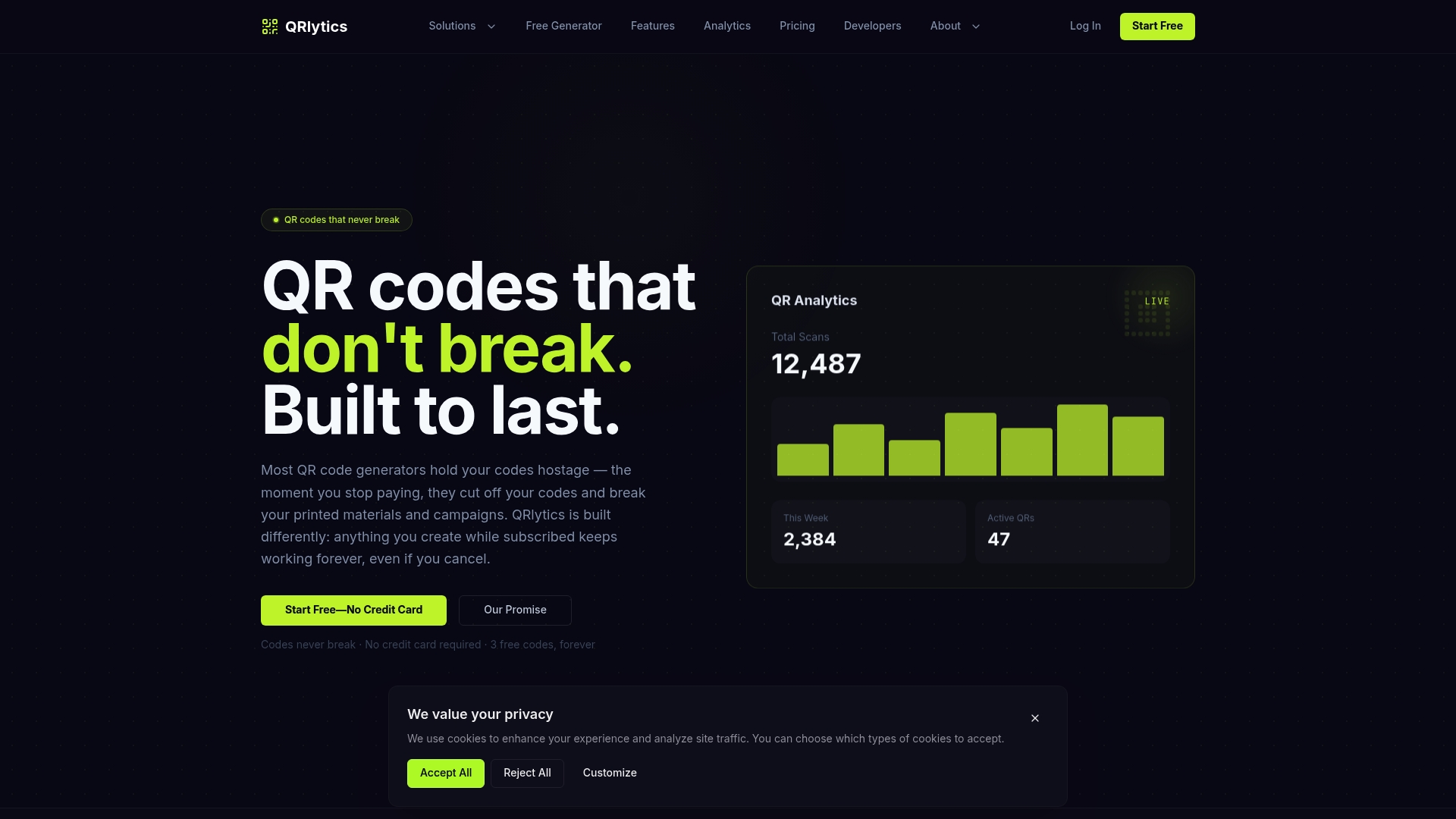
You can start with the dynamic QR code generator, or look at QR codes with analytics to see what each scan records. If you want to get started right away, create your free account at QRlytics.
A practical workflow for developers
Here is a sequence that works for most teams:
- Decide the lifespan. If the code will be printed and the destination might ever change, choose dynamic. If it is on-screen and temporary, static is fine.
- Prototype locally. Use the Python or JavaScript snippets above to settle size, colours and border with your designer.
- Define the tracking plan. Agree UTM naming for source, medium and campaign before any code is created.
- Create the codes. Do it in bulk from a spreadsheet, keeping a record of each code’s purpose and location.
- Test the proof. Scan on two operating systems and multiple apps at the real printed size.
- Launch and monitor. Watch scan counts and error cases in the first days, and update destinations if anything is wrong.
- Retire cleanly. When a campaign ends, point the code to a useful evergreen page instead of leaving a dead end.
Retail teams running many placements at once can find ideas in our article on retail QR code campaigns.
FAQ
Is there a QR code API for Python?
Yes, in two senses. You can use the open-source qrcode package to generate images locally, or wrap it in your own FastAPI service. Or you can call a hosted service over HTTP from Python with a library such as requests, which also gives you editable destinations and scan data.
How do I generate a QR code in JavaScript?
Install the qrcode package from npm. In Node, QRCode.toDataURL returns an image as a data URL, and in a browser QRCode.toCanvas draws onto a canvas. Both work with promises and async/await.
Can I change where a QR code points after printing?
Only if it is a dynamic code. A static code stores the destination in the pattern itself, so changing it means a new code. A dynamic code stores a short redirect link, and you edit the destination behind it whenever you need to.
Why won’t my customised QR code scan?
The usual causes are low contrast, a border narrower than four modules, a logo that is too large, or low error correction. Raise the error-correction level, enlarge the quiet zone, simplify the styling and test on several phones.
Do QR codes from QRlytics stop working if I cancel?
No. Codes created during an active subscription stay functional afterwards, whatever your billing status. That is the guarantee we built the platform around.
Sources
- qrcode on PyPI
- How to Generate a QR Code with Python (Twilio)
- qrcode on npm
- soldair/node-qrcode on GitHub
- UTM vs Affiliate Tracking: What Each Records and When to Use Both