QR Code Audit Logs: What to Record and How to Use Them

A QR code audit log is a time-ordered record of what happened to a code: who created it, when its destination changed, when it was switched on or off, and when people scanned it. Scan analytics answers “how is the campaign performing?”. An audit trail answers “what happened, when, and can we prove it?”. For printed codes that you cannot recall, you need both, and you need codes that keep working so the record never ends in a dead link. That is why we build QRlytics around permanent codes, editable destinations and exportable scan data.
TL;DR
- An audit log records events and changes; scan analytics records audience behaviour. A printed code needs both views.
- Capture at least four things: scan events, destination changes, status or schedule changes, and who made each change.
- Export scan records regularly (CSV or API) and set a retention period you can justify, because scan data can contain personal data.
- Logs show that something happened, not who a person is. Treat location and device data as signals, not proof.
- Codes that stay live after a billing problem keep your record continuous, which matters once the print run is out in the world.
Table of Contents
- What a QR code audit log is, and what it is not
- Why printed QR codes make this matter more
- What a useful QR code audit trail records
- What audit logs can and cannot tell you
- How to search, review and export your records
- Who should see the logs, and what about privacy?
- What to look for in a platform before you print
- Perspective: why permanence comes before logging
- Start with codes you can account for
- FAQ
- Sources
What a QR code audit log is, and what it is not
The US National Institute of Standards and Technology (NIST) defines an audit log as a chronological record of system activities, including accesses and operations performed in a given period. Apply that to QR codes and you get a simple idea: every meaningful event around a code is written down in order, so you can reconstruct the story later.
Most marketers already look at one part of that story: scans. A scan record usually holds a timestamp, an approximate location, a device type and sometimes a referrer. That is scan analytics, and it is built for performance questions: which poster, which store, which week.
An audit log is built for accountability questions:
- Who changed the destination of the menu code on 14 March, and what was it before?
- Was the code live on the day a customer says it failed?
- Did the scan spike at 3 a.m. come from a campaign, or from something odd?
- Can we show a partner or client exactly what the code did during their sponsorship window?
The two overlap, since a scan is itself an event. But analytics summarises and audit logs preserve. If you only keep dashboards, you lose the individual events behind the totals. If you only keep change history, you cannot tell whether anyone used the code.
Why printed QR codes make this matter more
A web page can be fixed in minutes. A printed code cannot. Once a code is on 20,000 flyers, a shelf-edge label or a stadium banner, the only thing you can still change is what the code points to. That makes the redirect the most sensitive part of your campaign: whoever controls it controls what every scanner sees.
This is not abstract. The US Federal Trade Commission has warned consumers that a scanned QR code can lead to a phishing site that steals personal information. Scammers use that to their advantage, and your customers know it. If a code of yours ever sends people somewhere unexpected, you need to establish quickly what changed and when. A clear record is the difference between a one-hour fix and a week of guessing.
Three situations come up again and again for the teams we write for:
- Agencies and clients. An agency builds codes for a client. Months later, someone asks who approved the new landing page. A record settles it.
- Retail and hospitality. A menu or promotion code is edited by several managers across locations. When a price or offer is wrong, you need to know which version was live.
- Events and publishers. Codes in programmes, tickets and printed titles live for months or years. Sponsors and rights holders want evidence of reach and timing.
What a useful QR code audit trail records
Whether you use a platform’s features, exports or your own sheet, build the trail from four layers.
1. Scan events
Each scan should carry a timestamp, a coarse location, device and operating system, and the code it belongs to. Timestamps deserve care: the same scan can look different depending on the time zone it is reported in, which we cover in our piece on QR scan times by time zone. Decide on one reporting zone and write it into your reports.
2. Destination changes
With a dynamic code, the printed pattern stays fixed while the destination is edited. Record the old URL, the new URL, the date and the person responsible. This is the single most valuable audit entry for a printed code, because it is the only change that alters what the public sees.

3. Status and schedule changes
Codes are often meant to be live for a window: a launch, a festival weekend, a seasonal menu. Record when a code was activated, paused or scheduled to end, and why. This explains gaps in scan data that would otherwise look like failures.
4. Who did it
Every change entry should name a user or a system account, not just a time. If several people share one login, the record is nearly worthless as evidence.
Here is how the layers map to the questions you will face:
| Question | Layer that answers it | What to keep |
|---|---|---|
| Was the code live when a customer complained? | Status and schedule | Activation and pause times |
| Where did scanners land last month? | Destination changes | Old URL, new URL, date |
| Did the campaign work in one city? | Scan events | Location, timestamp, code ID |
| Who approved the change? | Who did it | User name or account |
| Did traffic look unusual? | Scan events | Hourly counts, device mix |
What audit logs can and cannot tell you
A log shows that an event was recorded. It does not prove intent or identity.
- Location is a signal. A scan reported in Chicago tells you a device appeared to be near Chicago. It does not tell you which person held it. Coarse geography is useful for comparing stores or cities; treat it as that, not as proof of presence.
- Unusual patterns are prompts, not verdicts. A burst of scans from one device type at an odd hour is worth a look. It might be a bot, an internal test or a viral post. The record tells you where to look.
- A log is only as trustworthy as its protection. If records can be edited or deleted quietly, they stop being evidence. Keep exported copies somewhere your own team cannot casually overwrite, and note when each export was taken.
- Totals can mislead. One person scanning five times is five scans, not five people. Our guide on scan attribution explains how to tie offline scans to results without overclaiming.
This honesty is what makes your reporting credible to clients and finance teams. If you want to connect scan records to reporting that decision-makers trust, this overview of analytics and marketing ROI is a good companion, and our own ROI measurement framework shows how to apply it to QR campaigns.
How to search, review and export your records
A log nobody reads is just storage. Build a short routine around it.
Step 1: Give every code a clear name and owner
Name codes by campaign, location and placement (for example “Spring menu, Table tent, Austin”). When you search later, names and owners are what you filter on. Vague names such as “QR 7” make every review slower and every dispute harder.
Step 2: Filter by code, date range and place
Start every review with a question and narrow to the relevant code and dates. Compare against a quiet baseline week. Our practical tracking guide walks through the metrics worth reading first.
Step 3: Export on a schedule
Dashboards change as data is aggregated. An export freezes the record at a point in time. In QRlytics you can export analytics as CSV, and developers can pull scan data through the API into their own reporting or storage. Monthly exports suit most campaigns; weekly suits high-volume or regulated ones. Save each file with the date range in the name.
Step 4: Add your own change note
When anyone edits a destination or schedule, add one line to your campaign sheet: date, code, old destination, new destination, reason, approver. Keep it next to your exports so the scan data and the change history can be read together. Our campaign sheet for marketers gives you a layout to start from.
Step 5: Review and archive
At the end of a campaign, export a final copy, record the final destination, and store both with the campaign files. Because codes created on QRlytics during an active subscription keep working, the printed material in the field does not stop resolving, and your last export is not the last chapter of a broken story.
Who should see the logs, and what about privacy?
Scan records are more sensitive than they look. A scan can include an IP address, a device type and an approximate location. The Court of Justice of the EU held in the Breyer case that a dynamic IP address can be personal data when the operator has legal means to identify the person, as summarised here. If you reach European audiences, that matters, and US teams with international customers should plan for it too.
Practical rules that work for most teams:
- Limit access by role. Campaign managers need performance data. Few people need raw event-level records. Agencies should see their own clients’ codes only.
- Keep only what you need. The same summary notes that GDPR sets no fixed log retention period; it asks that personal data is kept no longer than necessary for its purpose, and that you can show your reasoning. Pick a retention period per type of record and write it down.
- Prefer aggregated reporting for sharing. Send clients and sponsors totals by city and week rather than raw rows.
- Choose privacy-first tracking. QRlytics offers GDPR-compliant tracking, and our guide to QR data privacy explains how to run campaigns that respect scanners.
If your legal obligations are specific, for example a contract or a sector rule that sets how long records must be kept, ask your own counsel or compliance lead to set the retention period before you decide.
What to look for in a platform before you print
When you choose where to create codes you plan to put on paper, test them against this list, because every item affects your ability to reconstruct events later:
- Can you change the destination without reprinting?
- Can you schedule a code’s active period?
- Can you export scan data and reach it by API?
- Is tracking designed with privacy rules in mind?
- Do codes keep working if a subscription lapses or a payment fails?
The last point is the one people overlook. Many free generators switch codes off when a plan ends, which silently ends both your redirect and your scan record. We designed QRlytics so that codes created during an active subscription stay functional afterwards, regardless of billing status. For printed material, that permanence is the foundation of any audit trail: you cannot audit a code that no longer resolves.
Perspective: why permanence comes before logging
We hear the same story from teams with printed codes: the logging question only arises after something has gone wrong, and by then the print run is out of reach.
Our view is that a trustworthy record starts with a code that cannot be taken away. If a code stops working when a plan changes, every scan, edit and report attached to it becomes unreliable. That is why we guarantee that codes created during an active subscription keep working, and why we pair that with editable destinations, scan analytics, heat maps, CSV export and API access.
Good record-keeping is habit as much as software. Name your codes, assign owners, export on a schedule, and write down every destination change. With permanence underneath and that routine on top, a printed code becomes a measurable channel you can explain to anyone who asks.
The
Start with codes you can account for
If you manage printed codes for campaigns, venues or publications, create them on a platform that keeps them live and gives you the data to review. QRlytics has a free plan at $0 per year with limited codes and analytics, and a Pro plan for unlimited codes, advanced analytics and API access; you can see both on the pricing page. Setting up needs no credit card. If you want editable destinations, try the dynamic QR code generator.
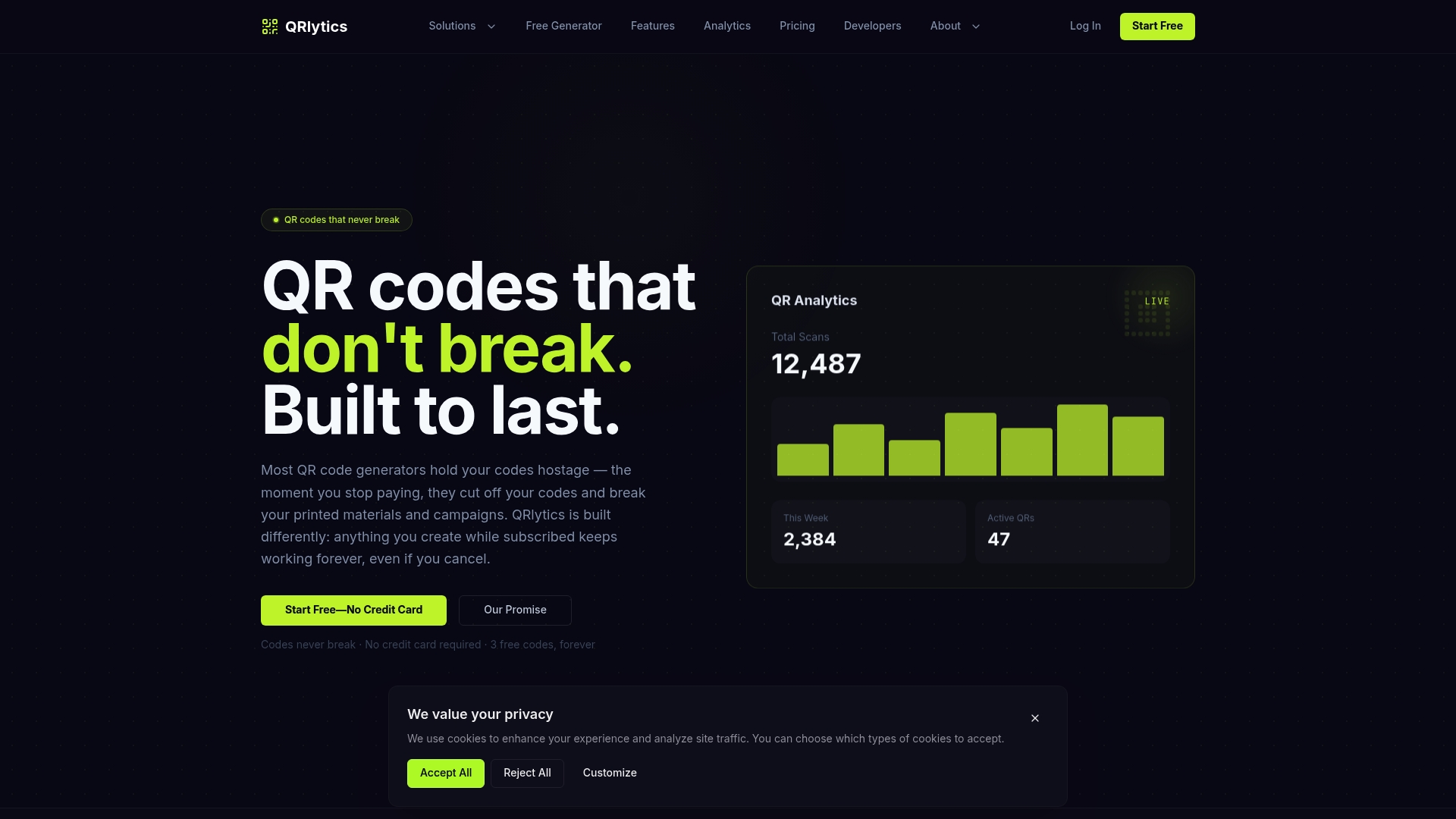
For a closer look at the data you will be exporting, see QR codes with analytics.
FAQ
What is the difference between QR code audit logs and scan analytics?
Scan analytics summarises how people use a code: totals, places, devices and times. An audit log is a chronological record of events and changes, such as edits, schedule changes and individual scans, kept so you can reconstruct what happened. Use analytics to optimise and the audit trail to explain.
What should a QR code audit log record?
At minimum: scan events with timestamp and coarse location, every destination change with old and new URL, activation and schedule changes, and the user responsible for each change. Add the reason and approver in your own campaign sheet.
How long should I keep QR scan records?
There is no single answer. Under GDPR, personal data should be kept no longer than needed for its purpose, and you should be able to justify the period. Set a period for each type of record, shorter for raw event data and longer for aggregated reports, and confirm any legal minimum with your counsel.
Can a scan record identify the person who scanned?
Not reliably. A record can include a device type, an approximate location and sometimes an IP address, which can count as personal data in some jurisdictions. Treat these as signals about a scan, not proof of who made it, and limit who can see raw records.
Who should have access to the logs?
Give campaign managers access to performance data for their own codes, and restrict raw event-level records to the few people who need them. When you report to clients or sponsors, share aggregated figures by city and period rather than individual rows.
Sources
- NIST Computer Security Resource Center: audit log glossary entry
- FTC Consumer Alert: QR code on an unexpected package
- GDPR log retention period and IP addresses as personal data
- Why analytics in marketing drives better ROI