QR codes for museums: a practical implementation guide
QR codes for museums work best when treated as infrastructure, not decoration: use dynamic links from day one, attach analytics to every code, and pilot on a single gallery label before rolling out across a collection. Modern phones scan natively, which makes the barrier to entry lower than at any point since the technology arrived in galleries. The single priority for exhibition teams is governance — deciding who owns a link’s destination before printing a single sign.
TL;DR:
- Use dynamic QR codes with analytics to enable ongoing updates and measure visitor engagement effectively.
- Prioritize governance by assigning ownership, establishing archival policies, and conducting routine link checks to prevent link rot and security issues.
- Design accessible codes by ensuring high contrast, appropriate sizing, and providing non-smartphone alternatives to accommodate diverse visitors.
- Pilot QR deployments on a small scale, gather feedback, and only expand once success metrics such as scan rates and visitor engagement are met.
- Focus on infrastructure that ensures permanence, privacy compliance, and accessibility to sustain long-term operational impact.
Table of Contents
- Common museum use cases for QR codes
- Step-by-step implementation checklist
- Design, accessibility and multilingual best practice
- Measuring success: analytics, KPIs and practical metrics
- Real-world examples and short case studies
- Risks, common problems and mitigations
- What matters most for museum QR deployments
- How Qrlytics supports a museum QR rollout
- Sources
- FAQ
Common museum use cases for QR codes
QR codes earn their place in a gallery when they solve a specific interpretive or operational problem, not because a label “needed something.” The strongest deployments map directly to a museum goal rather than being bolted on for novelty.
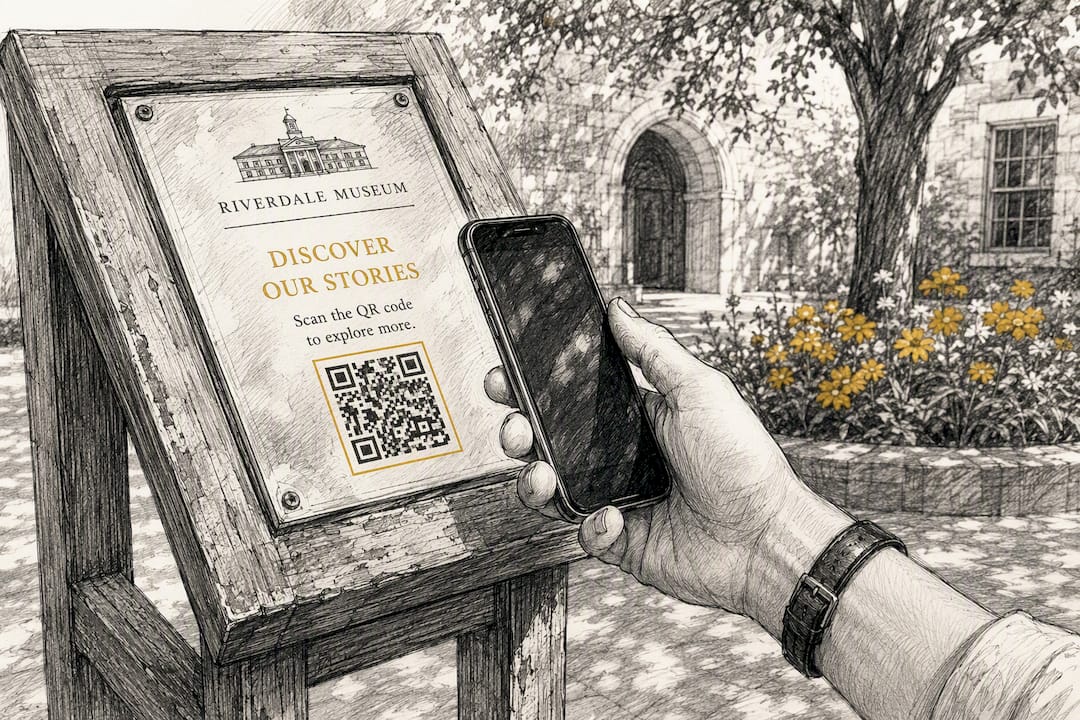
Extended interpretation is the most common use: a code on a small label can carry an audio guide, a curator’s video commentary, or a long-form essay that would never fit on the wall. Museums have used QR codes as a practical extension of printed labels since the pandemic, when contactless interaction became a design requirement rather than a preference, according to guidance from MGNSW.
Beyond interpretation, exhibition teams typically deploy codes for:
- Multilingual delivery — reaching non-native speakers without cluttering panels with six translations
- AR and interactive triggers — launching an augmented reality overlay or a family activity sheet from a single scan
- Direct calls-to-action — linking straight to a donation page, membership sign-up, or event booking form
- Operational signage — wayfinding, cloakroom notices, and staff-facing directories that need frequent updates
That last category is often overlooked, but it is where dynamic codes pay for themselves fastest, since a printed floor plan never has to be reprinted when a gallery closes for conservation work.
Step-by-step implementation checklist
Most museum QR failures trace back to skipped planning steps, not bad technology. Follow this sequence and you avoid the two most common mistakes: static links that can never be corrected, and content built for desktop screens.
- Set goals and KPIs first. Decide whether the code exists to boost dwell time, drive donations, or serve multilingual visitors, and define what success looks like before writing any content.
- Choose dynamic over static codes. A static QR code has the destination baked permanently into its pattern; a dynamic code lets you redirect it to a new page without reprinting. For anything on a wall label, gallery panel, or touring exhibition, dynamic is the only sensible choice.
- Pick your hosting. A lightweight CMS microsite, a dedicated cloud landing page, or a third-party AR provider all work, provided the page loads fast on mobile data, not just gallery Wi-Fi.
- Design and test signage physically. Print at real size, check contrast against the label material, and test scanning under actual gallery lighting, including low-light rooms and reflective glass cases.
- Pilot before scaling. Run one gallery or one touring exhibition first, gather feedback from front-of-house staff and a sample of visitors, then build a rollout calendar for the rest of the collection.
- Assign governance. Name an owner for each link’s destination, set an archival policy for retired content, and schedule routine checks for broken or redirected pages.
Pro Tip: Test every printed QR code with three different phone models under gallery lighting before it goes to print — cheap matte laminate and low contrast are the two most common reasons a code fails to scan on the floor.
Design, accessibility and multilingual best practice
Accessibility failures are usually design failures, not technology failures. A QR code that scans perfectly but leads to an unreadable page has solved nothing.
As a practical rule of thumb, print codes at a size suitable for close-range label scanning, and scale up for anything read from more than arm’s length. Maintain strong contrast between the code and its background, keep a clear quiet zone around the edges, and avoid printing on glossy or curved surfaces that create glare.
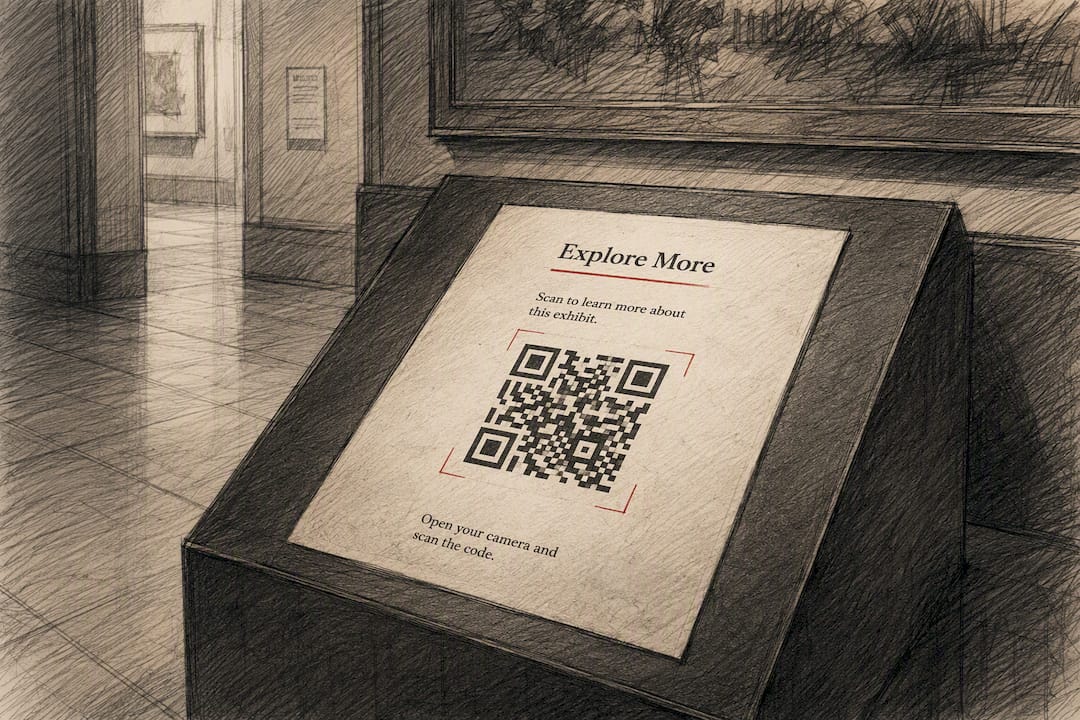
Sector commentary has flagged QR codes as genuinely polarising among visitors: some find them an efficient way to access deeper content, others find them an unwelcome barrier between them and the object, according to the Museums Association. Design intent, not the technology itself, decides which experience a visitor gets.
To close that gap:
- Provide text alternatives and captioned audio for screen-reader users and visitors with low vision
- Let visitors choose their language explicitly on the landing page rather than forcing an automatic redirect, which research from MGNSW links to fewer confused visitors
- Offer non-smartphone alternatives: printed text, audio handsets, NFC tags, or a staff member who can talk through the content
- Use privacy-compliant analytics and explain, in plain language near the code, what is and isn’t being tracked
A partner resource on QR code translation workflows is worth reviewing if your multilingual content spans more than two or three languages, since manual translation maintenance becomes unwieldy fast.
Measuring success: analytics, KPIs and practical metrics
A QR code without analytics is a print job you can’t evaluate. Attach tracking before launch, not after visitors start complaining a code “doesn’t work.”
Useful KPIs for museum deployments include scans per label, scans as a proportion of total gallery visits, call-to-action conversion rate (how many scans complete a donation or sign-up), and time on the landing page as a rough proxy for genuine dwell and interest.
- Use dynamic links with UTM parameters to separate exhibition campaigns from permanent-gallery codes in your reporting
- Read heat maps and unique-scan counts together to spot which objects draw attention and how visitor flow moves through a space
- Filter out staff scans and obvious bot traffic before drawing conclusions, and set a defined sampling window rather than judging on the first week alone
- Compare scan volume against baseline footfall, since a quiet Tuesday will always undercount against a school-holiday weekend
The ArtLens programme at the Cleveland Museum of Art shows the value of pairing scan analytics with front-of-house visitor counts: the combination gives an early, honest signal of whether content is landing, rather than just proving the code was scanned. Use that same pairing to decide which labels to enrich further and which to retire.
Real-world examples and short case studies
Interactive galleries like ArtLens demonstrate what’s achievable when digital interpretation is built into a gallery from the ground up, giving personalised content and repeat-visit incentives that a standalone QR label alone can’t replicate. It’s a useful benchmark for ambition, even if your budget only stretches to a handful of codes this year.
Sector reporting increasingly cites museums combining QR codes with AR overlays, multilingual audio, and direct donation flows in the same deployment, treating the code as an entry point into several different digital experiences rather than a single fixed link, per MuseumNext’s coverage of the format’s resurgence.
Two deployment models are worth contrasting directly:
- Temporary exhibition pilots favour fast iteration: expect to revise landing pages weekly based on early scan data, and treat the whole run as a testing ground for the permanent collection
- Permanent-gallery programmes demand governance first: link ownership, archival policy, and a maintenance schedule matter more than launch speed
- From either model, measure engagement lift against baseline, scan distribution across objects, and, where donation links are involved, direct fundraising impact
Risks, common problems and mitigations
Early QR experiments in museums often failed for avoidable reasons: apps that required a separate scanner download, and landing pages built for desktop rather than a phone in someone’s hand, according to a retrospective from Cuseum. Both barriers have largely disappeared, but new risks have replaced them.
- Link rot — a static code pointing to a page that gets moved or deleted becomes a dead end printed in vinyl; choose a platform that guarantees persistent redirection and keeps exportable records of every link
- Security — enforce HTTPS on every landing page and review destinations periodically, since a code that once pointed somewhere safe can be redirected if account access lapses
- Visitor friction — keep the first landing page fast, simple, and focused on one action; a long sign-up form on first contact is the fastest way to lose the scan
- Operational risk — document who owns each link and when it’s due for review, because institutional memory about “that code on gallery three” evaporates fast with staff turnover
Pro Tip: Keep a single spreadsheet mapping every printed QR code to its live destination URL, owner, and installation date — it takes ten minutes to set up and saves hours when someone finally asks “does anyone know what this code even links to?”
What matters most for museum QR deployments
Permanence, privacy-compliant analytics, and accessibility are the three priorities that separate a QR programme that lasts from one that quietly rots on the wall within a year. Most museums get the content right and the infrastructure wrong: a beautiful landing page attached to a link nobody owns. Start small, measure honestly, and scale only what a pilot has already proven works.
— The
How Qrlytics supports a museum QR rollout
Every risk covered above traces back to one decision: whether your codes can be updated and tracked after they’re printed. Qrlytics generates dynamic QR codes that keep working for the life of your subscription, with real-time scan analytics and heat maps that show exactly which galleries and labels get attention. GDPR-compliant tracking options and custom branding mean the codes fit institutional design standards without collecting more visitor data than you need.

For a first pilot, bulk-creating a set of codes for a single touring exhibition and exporting them to CSV for label printing is a task the platform handles in minutes rather than a full afternoon of manual generation. Start with the free QR code generator to test signage and scanning conditions, then move production labels to the dynamic QR code generator once you’re ready to attach analytics and lock in permanent redirects.
Sources
- QR Codes in Museums: Unlocking New Opportunities in 2025
- Using QR Codes in Museums and Galleries - MGNSW
- ArtLens Exhibition | Cleveland Museum of Art
- Digital | QR codes can enrich a visit to a museum
FAQ
What is the FBI warning about QR codes?
The FBI has warned that criminals sometimes place fraudulent QR code stickers over legitimate ones to redirect scans to malicious sites, so museums should check signage regularly for tampering and use platforms that let staff verify a code’s true destination.
Can I get QR codes for free?
Yes, free generators exist and are suitable for short pilots or one-off tests, but many deactivate codes if you stop paying for a subscription tier, which is why museums running permanent-gallery content should confirm a platform’s long-term guarantee before printing signage.
Why should we be careful when using QR codes in museums?
Sector commentary notes that QR codes are polarising: some visitors find them a fast route to deeper content, while others see them as a screen-based intrusion on the exhibit itself, so careful design and clear interpretive intent matter more than the technology.
Is it legal to put a QR code on a billboard?
QR codes themselves carry no special legal restriction as a barcode format, but any billboard or outdoor advertising is still subject to the same local advertising, planning, and signage regulations as any other content, so check your local authority’s outdoor advertising rules before installation.
How many QR codes does a museum typically need per gallery?
There’s no fixed number: it depends on object density and interpretive goals, but a good starting point is one code per label that genuinely benefits from audio, video, or multilingual extension rather than adding one to every object by default.