AR codes for marketers: a practical 2026 guide
TL;DR:
- AR codes enable immersive, environment-aware experiences that go beyond simple URL redirects.
- Marketers use them for product visualization, virtual tours, and interactive campaigns, boosting engagement and data collection.
AR codes are one of the most underused tools in a marketer’s kit. Most people assume they are simply fancier QR codes, but that misses the point entirely. A well-built AR code can place a 3D product model in a customer’s living room, launch a personalised AI conversation after a scan, or anchor a virtual brand experience to a specific physical location. This article explains what AR codes actually are, how they differ from standard QR codes, and how you can use them to run campaigns that genuinely engage people rather than just redirecting them to a landing page.
Table of Contents
- Key takeaways
- What AR codes are and how they differ
- How AR codes boost marketing campaigns
- How to create AR codes for your campaigns
- Best practices for reliable AR code performance
- The future of AR codes in marketing
- My honest view on AR codes in practice
- How Qrlytics supports your AR code campaigns
- FAQ
Key takeaways
| Point | Details |
|---|---|
| AR codes go beyond links | They trigger immersive augmented reality experiences, not just URL redirections. |
| Conversational AI adds value | Post-scan AI agents let customers ask product questions in real time, deepening engagement. |
| WebAR removes friction | Web-based AR accessed via QR codes works instantly without requiring an app download. |
| Dynamic codes enable optimisation | Updating destination content without reprinting means you can refine campaigns as they run. |
| Technical basics still matter | Contrast, quiet zone, and scan distance rules apply to AR codes exactly as they do to standard QR codes. |
What AR codes are and how they differ
A standard QR code is a static trigger. Scan it, and it sends you to a URL. That is the full extent of the interaction. An AR code does the same thing mechanically, but the destination is an augmented reality experience rather than a plain webpage. The AR content overlays the user’s physical environment through their camera, creating a live blend of digital and real-world elements.
The key distinction lies in what happens after the scan:
- Standard QR code: Redirects to a URL, a PDF, contact details, or a menu. The experience is passive and screen-based.
- AR code: Launches an interactive 3D scene, animation, product visualisation, or spatial overlay. The experience is active and environment-aware.
- Conversational AR code: Combines augmented reality with an embedded AI agent, letting users ask questions and receive personalised responses in real time.
The technology behind AR codes involves three layers. First, the code itself, which is a standard QR or image-based trigger. Second, a hosting layer that serves the AR content, either through a dedicated app or through WebAR, which enables zero-install augmented reality experiences directly in a mobile browser. Third, the AR engine, such as ARCore or a web-based equivalent, which maps the virtual content onto the physical space through the device camera.
For marketers, the practical implication is this: you do not need to build a native app to deliver AR experiences. WebAR has made the technology accessible enough that a well-designed AR code on packaging or a poster can put a 3D animation in front of a customer within seconds of scanning.

How AR codes boost marketing campaigns
The case for AR codes in marketing is not theoretical. Across retail, events, real estate, and product packaging, brands are already seeing measurably stronger engagement from AR-enabled scans compared to standard redirects.
Here is where AR codes are delivering real results:
- Product visualisation: Furniture and homeware brands use AR codes on packaging so customers can place items in their own rooms before purchasing. This reduces returns and increases buyer confidence.
- Event experiences: Festival and conference organisers place AR codes at physical locations to trigger live animations, exclusive content, or gamified interactions tied to a specific spot.
- Real estate: Agents embed AR codes in printed brochures to launch virtual property walkthroughs, letting buyers explore a space without scheduling a viewing.
- Retail packaging: Food and beverage brands use AR codes to show recipes, brand stories, or product origin content layered over the physical item when scanned.
One of the most significant developments is the integration of conversational AI. Consumers can engage in two-way dialogues with AI agents embedded within QR codes, asking product-specific questions and receiving answers in real time. This turns a passive scan into a genuine service interaction. As of Q2 2026, over 5,000 businesses are using conversational AI-enhanced QR codes, with more than 1.1 billion scans recorded globally.
“Most businesses underestimate the importance of transforming QR codes from silent links into conversational tools that engage customers actively.” This shift from link-delivery to genuine interaction is where AR codes are creating measurable differences in customer retention and conversion.
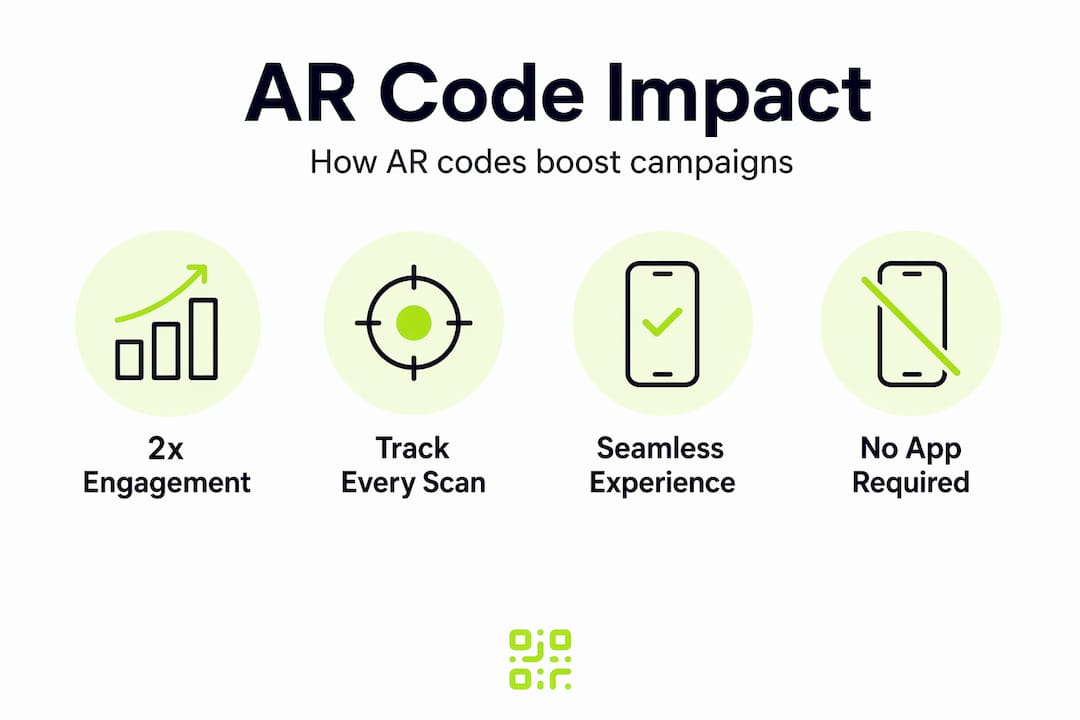
Beyond engagement, AR codes support better data collection. Every scan is a trackable event. Combined with QR code analytics, you can measure where users scanned, how long they engaged with the AR content, and which placements drove the most activity.
How to create AR codes for your campaigns
Building an effective AR code experience involves more steps than generating a standard QR code, but the process is straightforward when broken into stages.
- Design the AR experience. Decide what the user will see after scanning. Options include 3D product models, animated brand characters, video overlays, or interactive quizzes. Use tools like Blender for 3D assets, or platforms that offer pre-built AR templates if you are starting out.
- Choose your hosting method. WebAR is the most practical choice for most campaigns. It requires no app and works on standard smartphones. Platforms that support WebAR will give you a URL that you attach to your QR code. For more complex spatial experiences requiring ARCore-based 3D anchoring, a lightweight companion app may be necessary.
- Generate a dynamic QR code pointing to your AR content. Dynamic QR codes allow updating destinations without reprinting, which is critical when you want to swap AR content mid-campaign or fix a broken link after materials have gone to print.
- Brand the code appropriately. Add your logo and brand colours, but keep contrast high and the quiet zone intact. A visually attractive code that fails to scan is worse than a plain one.
- Test across multiple devices before printing. Android and iOS handle WebAR differently. Test on at least three device types, in realistic lighting conditions, and at the scan distances your audience will actually use.
- Add clear user instructions. Most people still do not automatically understand what an AR code does. A short instruction like “Scan to see it in your room” printed next to the code dramatically improves scan rates.
Pro Tip: When linking your QR code to AR content, use a dynamic QR code from the start, even for a simple campaign. The ability to update the destination URL without reprinting has rescued more than a few campaigns where the AR platform changed or the content needed refreshing after physical materials were already distributed.
Read the full QR code marketing guide for deeper guidance on generating codes with the right technical settings before you go to print.
Best practices for reliable AR code performance
Getting the AR experience right is only half the challenge. The other half is making sure people can actually scan the code. Here is what consistently separates high-performing AR codes from ones that frustrate users:
- Maintain high contrast. Dark modules on a light background, combined with a preserved quiet zone around the code, are non-negotiable for scan reliability. Reversing colours or using low-contrast brand palettes causes scanning failures.
- Size codes appropriately for their environment. The scan distance should be approximately ten times the code width. A code on a shelf edge needs to be larger than one in a printed brochure that a user holds in their hand.
- Set error correction to level Q or H for branded codes. Custom branding increases recognition but requires higher error correction to compensate for the visual complexity introduced by logos and colour fills.
- Always include a fallback URL. If a user’s device does not support WebAR, they should land on a conventional webpage with product information rather than an error screen.
- Use dynamic codes for ongoing campaigns. Dynamic QR codes enhance flexibility by letting you update the linked AR content without changing the printed code. This is how you iterate on campaign performance without wasting print materials.
- Address privacy clearly. If your AR experience collects scan data or personalises content based on location, make that transparent. A brief note next to the code or on the landing page builds trust and supports GDPR compliance.
Pro Tip: Before finalising any print run, test your AR code with the common QR mistakes checklist to catch design and technical issues that are easy to miss when you are focused on the AR content itself.
Tracking performance is where many marketers fall short. Knowing your scan volume is not enough. You want to understand which placements drove conversions, where drop-off happened in the AR experience, and whether mobile device type affected completion rates. See the full guide on scan analytics for campaigns to set up tracking that gives you those answers.
The future of AR codes in marketing
The current generation of AR codes triggers a pre-designed experience. The next generation will do something far more interesting: it will anchor persistent virtual content to specific real-world locations and adapt that content based on who is scanning and when.
Shifting from isolated AR triggers to persistent 3D mapping and interaction-first data collection increases daily AR engagement by over ten times. That is not a marginal improvement. It represents a completely different category of customer experience. Spatial barcode scanning with ARCore already supports anchoring AR content in 3D space tied to real-world coordinates, meaning a virtual display in a retail environment can persist and evolve over time rather than reset with every scan.
The integration of AI agents with AR codes is accelerating this further. Rather than triggering a fixed animation, a future AR code might launch a personalised conversation informed by the customer’s purchase history, location, and the specific product they are looking at. The real value in AR codes increasingly comes from persistent spatial mapping and data-driven optimisation that connects virtual content with the physical world in meaningful ways.
For marketers, the practical takeaway is this: the brands building AR code infrastructure now, even at a basic level, will be significantly better positioned to adopt spatial and conversational AR as these capabilities become mainstream over the next two to three years.
My honest view on AR codes in practice
I have watched a lot of marketers get excited about AR codes and then produce experiences that users abandon within five seconds. The technology works. The failure mode is almost always the same: too much attention on the spectacle and not enough on the value proposition.
The AR overlay needs to answer a question the customer actually has. A 3D animation of your logo spinning in someone’s living room is not an answer to anything. A 3D model of the sofa they are considering, placed at the correct scale in their actual room, is. That difference in thinking changes everything about how you design an AR campaign.
What I find genuinely exciting is conversational AR. The ability to scan a product and immediately ask it questions, like a real dialogue rather than a FAQ page, is one of the more significant shifts I have seen in customer engagement. It makes the interactive content model feel natural rather than gimmicky.
My advice: start with a clear user need, build a WebAR experience that addresses it directly, use a dynamic code so you can fix things mid-campaign, and measure relentlessly. Do not wait until you have a large budget or a complex AR build. A well-executed simple experience consistently outperforms a technically impressive one that nobody understands how to use.
— The Qrlytics editorial team
How Qrlytics supports your AR code campaigns
When you build AR code campaigns, the QR code layer needs to be dependable. If the code breaks, the entire experience fails, regardless of how good the AR content is.

Qrlytics gives you dynamic QR codes that you can update at any time, scan analytics that show you exactly when and where people engaged, and GDPR-compliant tracking built in from the start. Codes created on Qrlytics remain active permanently, so printed materials with AR triggers do not become dead links if your billing situation changes. You can generate a free QR code to test your AR trigger right now, or explore the full dynamic code generator to build a campaign-ready code with tracking and update capabilities. No credit card required to get started.
FAQ
What is the difference between a QR code and an AR code?
A QR code redirects users to a URL or static content. An AR code is a QR code whose destination is an augmented reality experience, overlaying 3D or interactive digital content onto the user’s physical environment through their camera.
Do users need an app to scan AR codes?
Not necessarily. WebAR allows AR experiences to load directly in a mobile browser, meaning users can access the content immediately after scanning without downloading anything. App-based AR is only required for more complex spatially anchored experiences.
How do I track AR code performance?
Every scan of a dynamic QR code linked to AR content is a trackable event. Using a platform like Qrlytics, you can monitor scan volume, device type, location, and time-based patterns to measure campaign performance and refine your approach.
Can AR codes include AI conversations?
Yes. Conversational AI agents can be embedded in the post-scan experience, letting users ask product questions and receive real-time responses. This approach has been adopted by over 5,000 businesses, with more than 1.1 billion scans recorded globally as of Q2 2026.
What causes AR codes to fail to scan?
The most common causes are insufficient contrast between the code modules and background, a missing or too-narrow quiet zone around the code, and physical sizing that is too small for the intended scan distance. Using error correction level Q or H when adding branding to a code significantly reduces scan failures.